

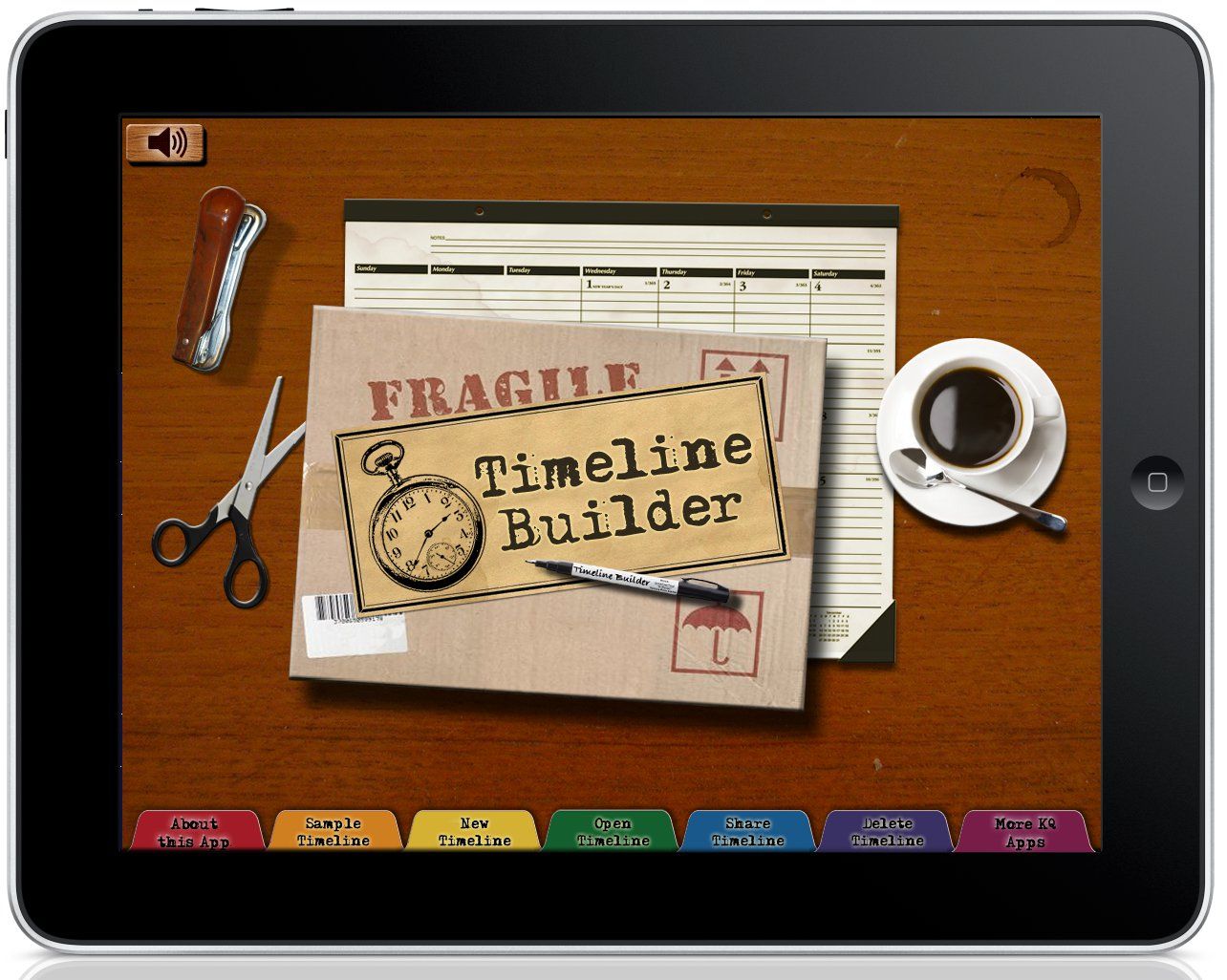
We were recently given the opportunity to review the Timeline Builder app for the iPad from Knowledge Quest. The Timeline Builder app allows you to create custom timelines with images and descriptions. The timelines can be as long as you need them to be, with designated beginning and ending dates.
 Right now in the App Store, you can get this app for an introductory price of $4.99. After the introductory offer, the regular price is $6.99. This app is well suited for age 10 years old and up, however, if you a tech-savvy younger child I don't think they will have any problems working in this app. This app is set up with clear instructions for quick and easy use. Check out this video demonstration.
We have been "timelining" for a few months now for our Early US History studies. We created a wall timeline but we decided that it was time to paint our very white walls. So we had to take our timeline down.

We received this review opportunity just after we took our timeline down, so I thought having Michaela put all of our wall timeline info into the Timeline Builder app would be a great tool to reinforce the last few months of US History.

Michaela watched the introduction video and then quickly began working on inputting the information. You can start a new timeline by just tapping the "New Timeline" tab and up pops a box to start inputting your information.

You have the option of selecting different backgrounds for your timeline.

When you have finished with the Timeline name & description information, then you can start adding your timeline events.

You can add images to your timeline from either your iPad photo library or from the web.
If you make a mistake, it is so easy to fix it....just delete and redo....no more wasted paper!!!

You also have the ability to share your timelines via email or with file sharing in iTunes.

As you can see, this app gives you the ability to have many different timelines in one place.

If you are running out of space for wall timelines or lacking shelf space for multiple binders full of timelines, then this app would be a great tool for your family.
Here is a iPad screen shot of the beginning of our Early US History timeline, it really only took Michaela about 30 minutes to complete this much.

If you tap on one of the event images, it will open up the event information box.

All of the features in this app are so easy to use, just a finger-tap of effort to create great timelines! I think this app would be a great addition to any homeschool history curriculum.

